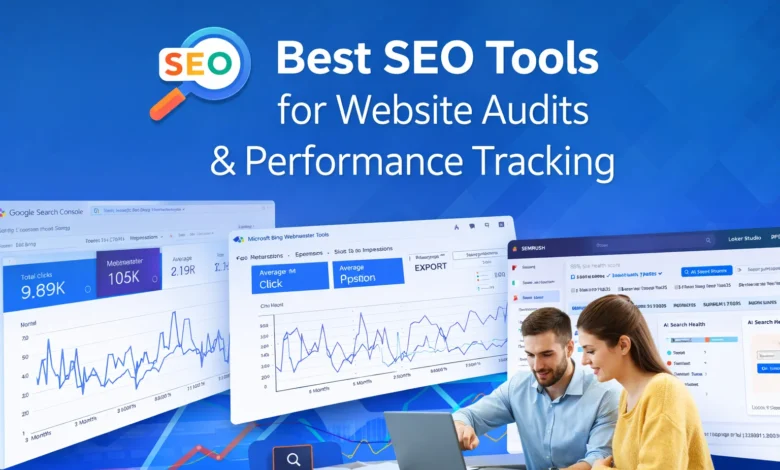
SEO tools are essential for understanding how websites perform. Over the years, we have tested many tools to find the most reliable options. These tools help analyze traffic, keywords, page speed, backlinks, and overall, SEO health.
Using the right tools makes it easier to optimize websites and improve search engine rankings.
Below, we share our top 13+ tools that help audit and monitor websites effectively.




- Analyze website performance easily
- Track SEO health regularly
- Monitor competitors and trends
- Improve search rankings efficiently
- Identify technical SEO issues
Key Takeaways
- Use free SEO tools to monitor website health.
- Google Search Console and Bing Webmaster track performance accurately.
- PageSpeed Insights improves loading speed and user experience.
- HubSpot and SEMrush provide detailed audits and recommendations.
- Screaming Frog and Schema Validator analyze technical SEO efficiently.
- Google Trends and WriterZen help plan content and keywords strategically.
- Combining multiple tools gives a complete SEO analysis.
Free SEO Tools
Free SEO tools are an excellent starting point for website audits. They offer actionable insights without spending money and allow beginners to understand SEO fundamentals. Many of these tools also provide tutorials and guidance to improve performance.
While they may have limitations compared to paid tools, they are effective for initial analysis and strategy planning.
- No cost for basic usage
- Easy to access and use
- Great for beginners
- Offers actionable SEO insights
- Provides learning resources
12+ Essential SEO Tools to Audit & Track Your Website Performance
1. HubSpot Website Grader
HubSpot’s Website Grader is a free tool that evaluates website performance and SEO. It reviews page speed, mobile responsiveness, security, and overall user experience. The report is simple to read and comes with suggestions to fix issues.
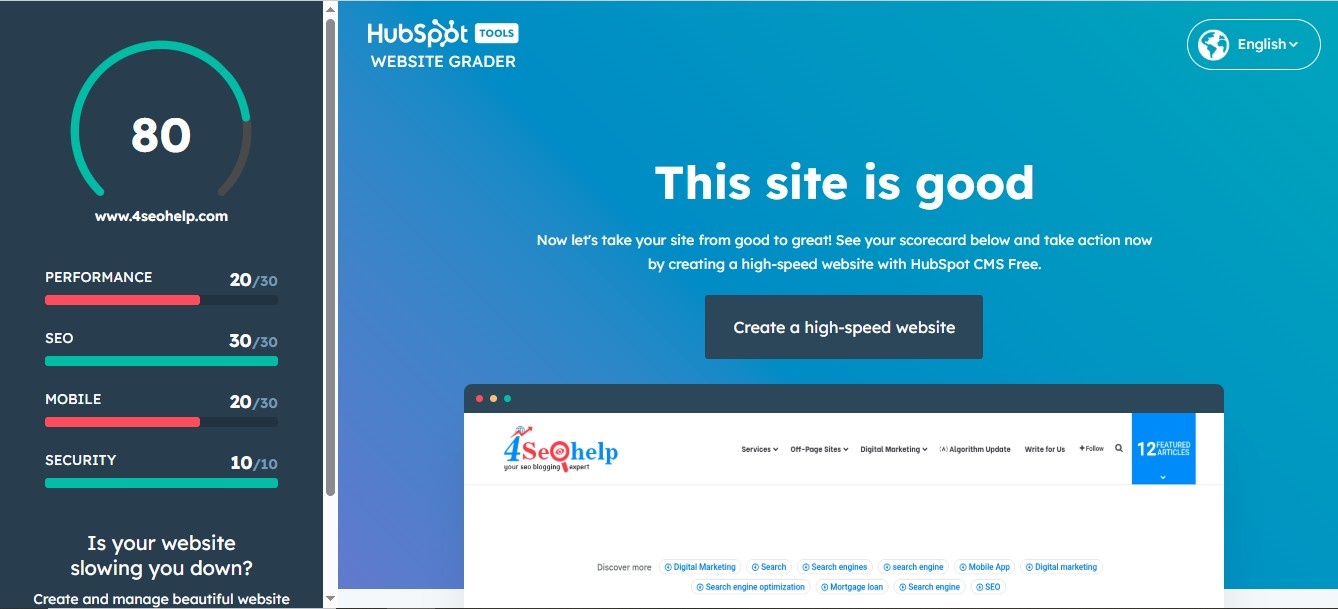
Beginners can learn from HubSpot Academy courses and improve their websites. It’s a quick way to see overall SEO performance in minutes.
Features:
- Evaluate website speed and SEO
- Check mobile friendliness and UX
- Review security and HTTPS status
- Receive actionable improvement tips
- Access free learning courses
How We Use HubSpot Website Grader?
We start by entering the URL to get instant results. It helps identify issues on client websites quickly. We use insights to improve mobile responsiveness, page speed, and UX design. HubSpot also helps track progress after changes.
- Price: Free
- Alternatives: Pingdom Tools, Google PageSpeed Insights, WooRank
2. PageSpeed Insights
Google’s PageSpeed Insights measures website performance and user experience on mobile and desktop. It uses Core Web Vitals metrics to assess page speed and stability. Recommendations help optimize page elements, improve loading time, and enhance usability.
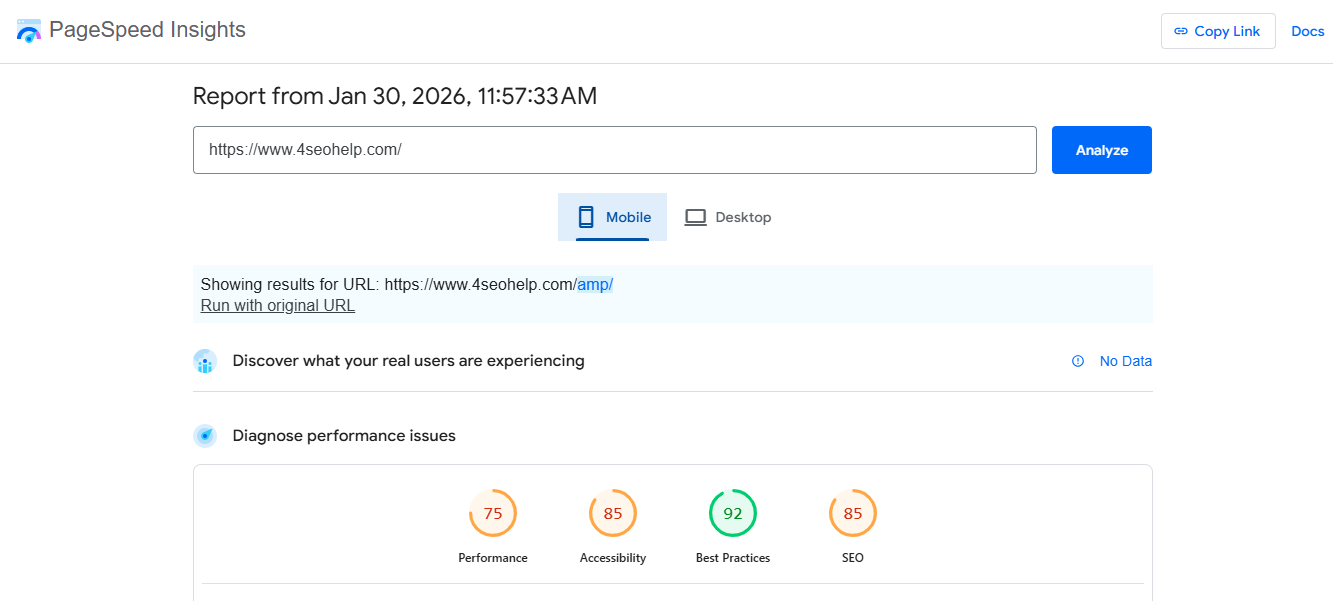
SEO teams can use this tool to communicate effectively with developers. Regular monitoring ensures websites meet Google’s performance standards.
Features:
- Measure page speed metrics
- Identify UX issues
- Suggest optimization actions
- Mobile and desktop insights
- Communicate improvements with developers
How We Use PageSpeed Insights?
We analyze each website quarterly to maintain high performance. Developers use recommendations to reduce load times and improve layout stability. Monitoring ensures faster page loading and better search rankings.
- Price: Free
- Alternatives: GTmetrix, WebPageTest
3. Google Search Console (GSC)
Google Search Console is a free, essential tool for website monitoring. It provides keyword performance data, indexing status, and page issues. Internal linking and sitemap management are easier with GSC.
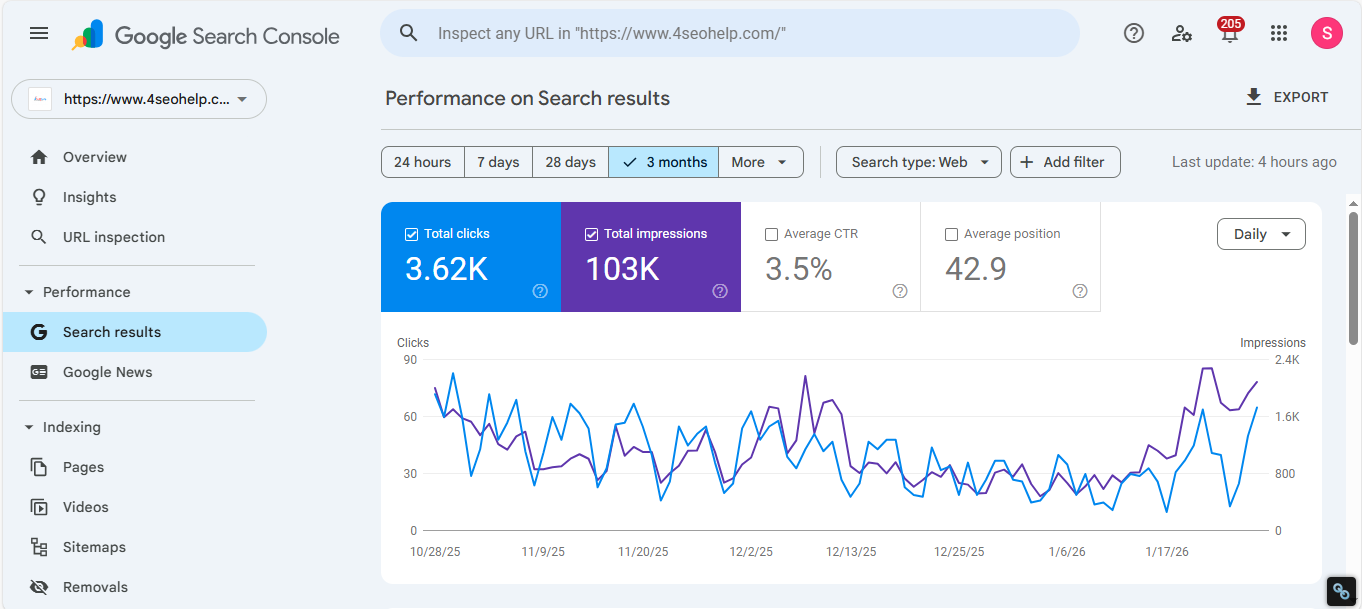
The “Performance” report shows clicks, impressions, CTR, and position for queries. SEO specialists rely on it for accurate search data directly from Google.
Features:
- Track clicks and impressions
- Review keyword performance
- Submit sitemaps and pages
- Identify indexing issues
- Analyze internal linking
How We Use GSC?
We monitor keyword performance daily and track changes in impressions and clicks. GSC helps prioritize pages needing improvement. The URL inspection tool ensures new content is indexed promptly.
- Price: Free
- Alternatives: Bing Webmaster Tools
4. Bing Webmaster Tools
Bing Webmaster Tools (BWT) provides similar insights for Microsoft Bing. It includes SEO reporting, keyword research, backlink analysis, and site scanning.
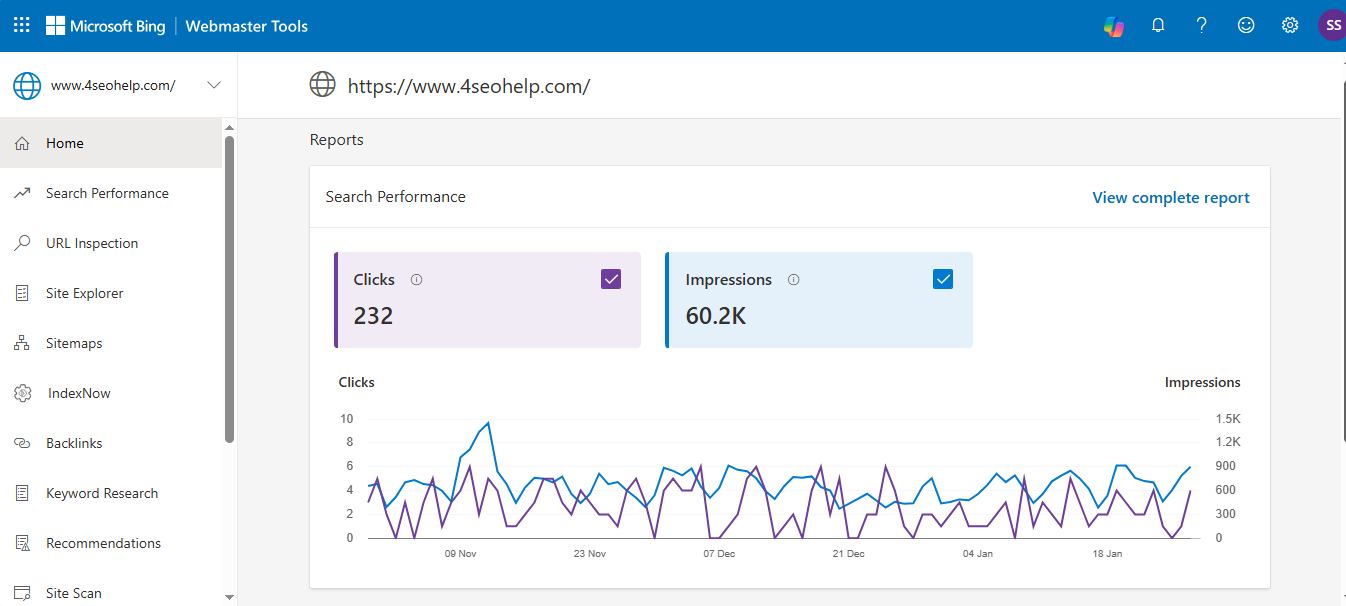
BWT helps identify issues and monitor website performance on Bing search results. IndexNow feature ensures faster content indexing.
Features:
- Analyze Bing performance
- Review backlinks and keywords
- Perform site scanning
- Identify SEO errors
- Access IndexNow indexing
How We Use BWT?
We check backlinks and compare competitor strategies. The site scan quickly reveals errors. BWT supplements Google data to expand SEO reach.
- Price: Free
- Alternatives: Google Search Console
5. Google Trends and Glimpse
Google Trends shows search trends and popular topics. It helps identify emerging keywords and industry shifts.
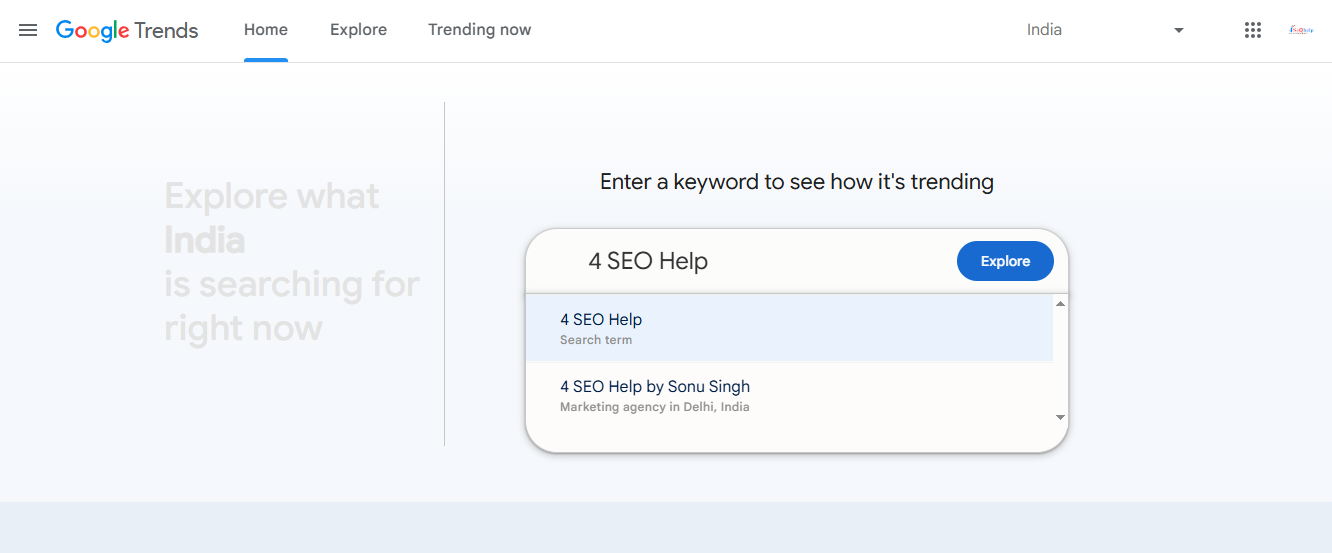
Paired with Glimpse, the insights are enhanced with related searches and trending queries. Marketers can plan content strategies based on audience interest over time.
Features:
- Explore keyword trends
- Compare topic popularity
- Discover long-tail opportunities
- Monitor regional interest
- Identify emerging search topics
How We Use Google Trends?
We track keyword growth and adjust content topics. Glimpse enhances insights by showing “people also search” data. It helps prioritize content creation for higher traffic.
- Price: Google Trends Free; Glimpse $40–$199/monthly
- Alternatives: Exploding Topics, TikTok Insights
6. Schema.org and Schema Validator
Schema markup organizes website data for search engines. It improves visibility with rich results like FAQs, carousels, and knowledge panels.
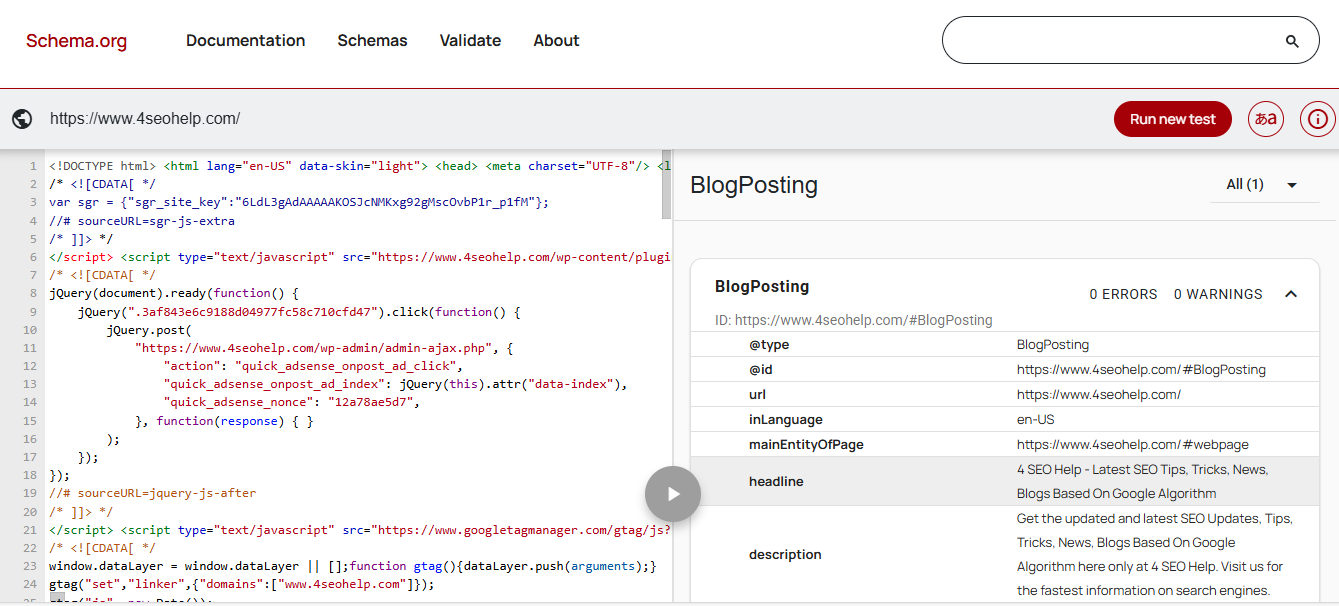
The Schema Validator checks markup accuracy and allows competitor research. Structured data enhances SERP presentation, increasing CTR.
Features:
- Implement structured data
- Validate schema correctness
- Improve rich results
- Spy on competitors’ schema
- Enhance website appearance
How We Use Schema Validator?
We validate schema on new pages and monitor competitors. It helps ensure structured data is correct and boosts search result visibility.
- Price: Free
- Alternatives: Screaming Frog, Schema App
7. Google Sheets + Search Analytics for Sheets
Google Sheets is a spreadsheet tool that works well with Search Analytics for Sheets extension. This combination pulls SEO data from GSC, allowing deeper analysis.
Conditional formatting and formulas help track clicks, impressions, CTR, and keyword positions efficiently.
Features:
- Pull SEO data into Sheets
- Analyze keyword trends
- Flag high impressions, low CTR
- Use formulas for insights
- Organize data visually
How We Use Sheets Extension?
We create keyword reports and segment data for long-tail optimization. This saves time and overcomes GSC’s 1,000 query limitation.
- Price: Free; Pro $190–$490/year
- Alternatives: Screaming Frog API
8. ChatGPT
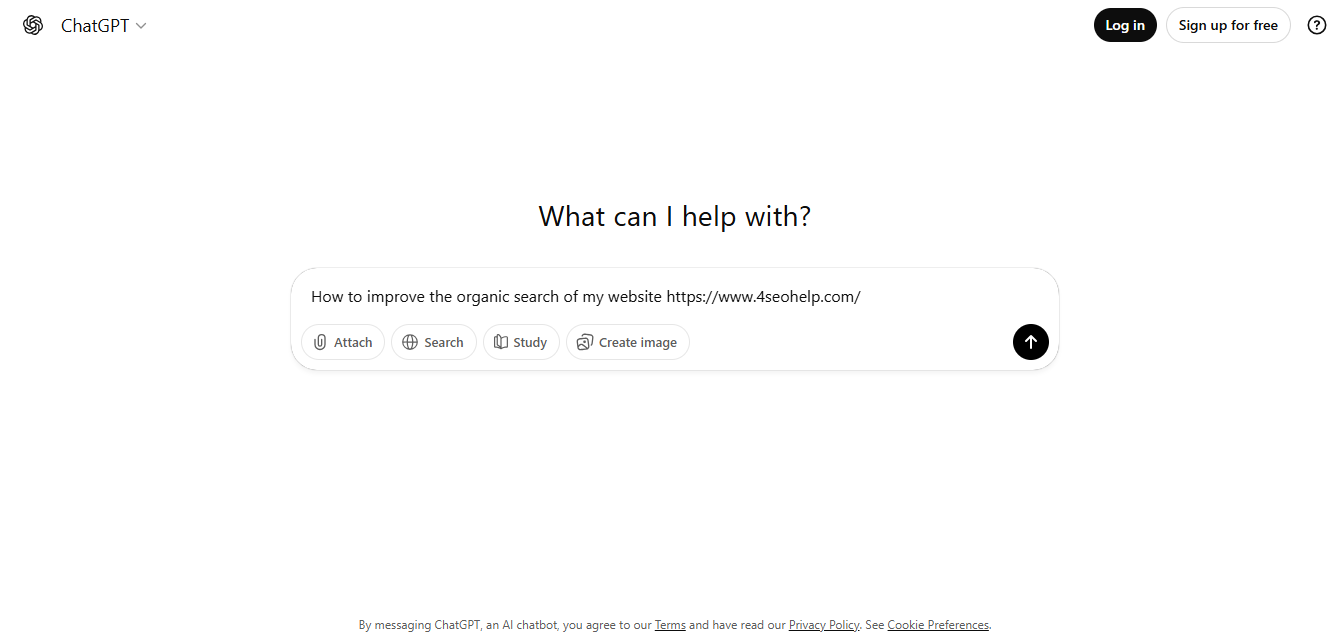
ChatGPT is an AI tool for content, keyword clustering, and SEO analysis. It helps categorize keywords, generate short text, and suggest formulas. While not a replacement for human strategy, it enhances workflow efficiency.
Features:
- Cluster keywords efficiently
- Create small content snippets
- Generate analysis formulas
- Assist with SEO research
- Integrate with CMS
How We Use ChatGPT?
We categorize keywords and generate brief content ideas. Formulas for Google Sheets are saved, speeding up analysis processes.
- Price: Free; Plus $20/mo; Pro $200/mo
- Alternatives: Gemini, Perplexity, Claude
9. HubSpot AI Search Grader
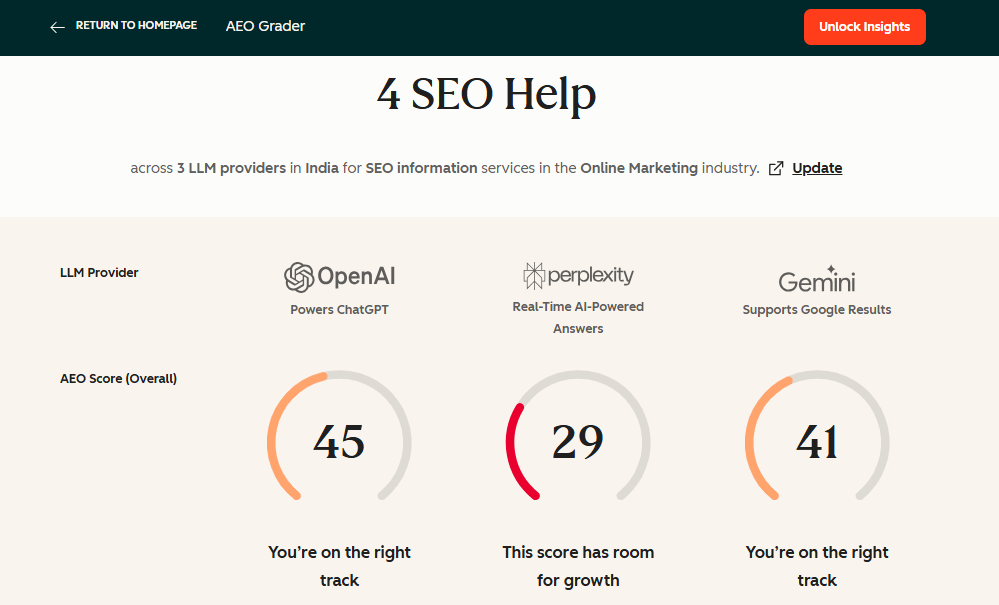
AI Search Grader evaluates brand visibility in AI tools. It identifies strengths, weaknesses, and share of voice. Quick reports help understand how AI interprets your website.
Features:
- Analyze AI visibility
- Evaluate brand sentiment
- Compare competitor AI presence
- Identify optimization gaps
- Quick, actionable reports
How We Use AI Search Grader?
We run client websites to assess AI visibility. It provides fast insights during consultations.
- Price: Free
- Alternatives: Waikay
10. HubSpot SEO Marketing Software
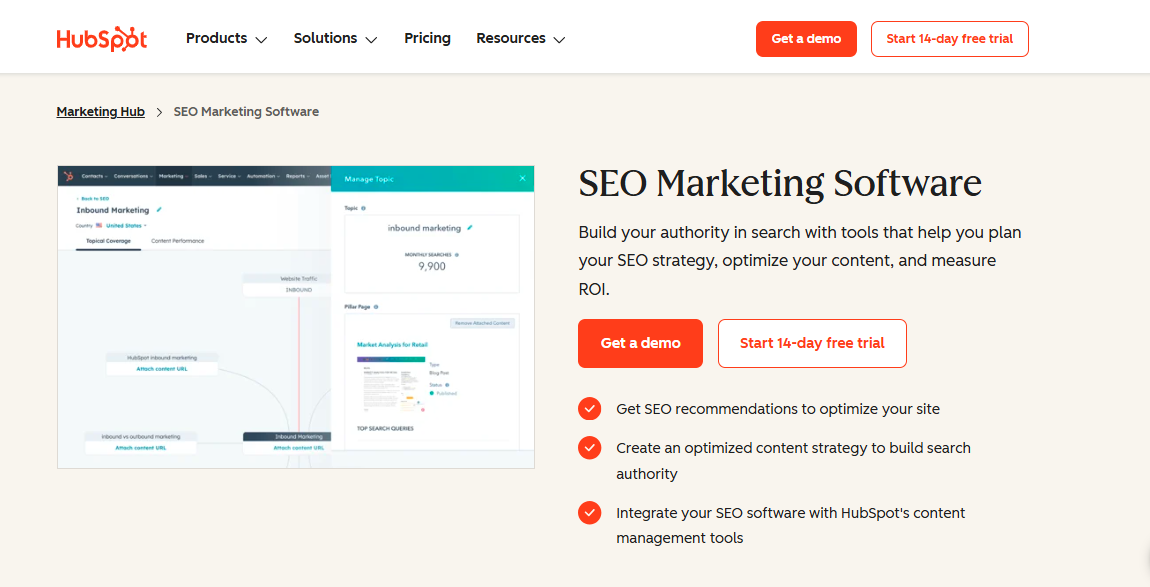
HubSpot SEO Marketing Software integrates SEO with website management. It helps build topic clusters, track clicks, manage content, and collaborate across teams. Data-driven recommendations improve content and traffic.
Features:
- Build topic clusters
- Track SEO metrics
- Review content recommendations
- Optimize landing pages
- Collaborate with teams
How We Use HubSpot SEO Software?
We consolidate SEO data, manage blogs, and implement recommendations to improve rankings.
- Price: $45–$3,200/mo
- Alternatives: Semrush, Ahrefs, Surfer SEO
11. SEMrush
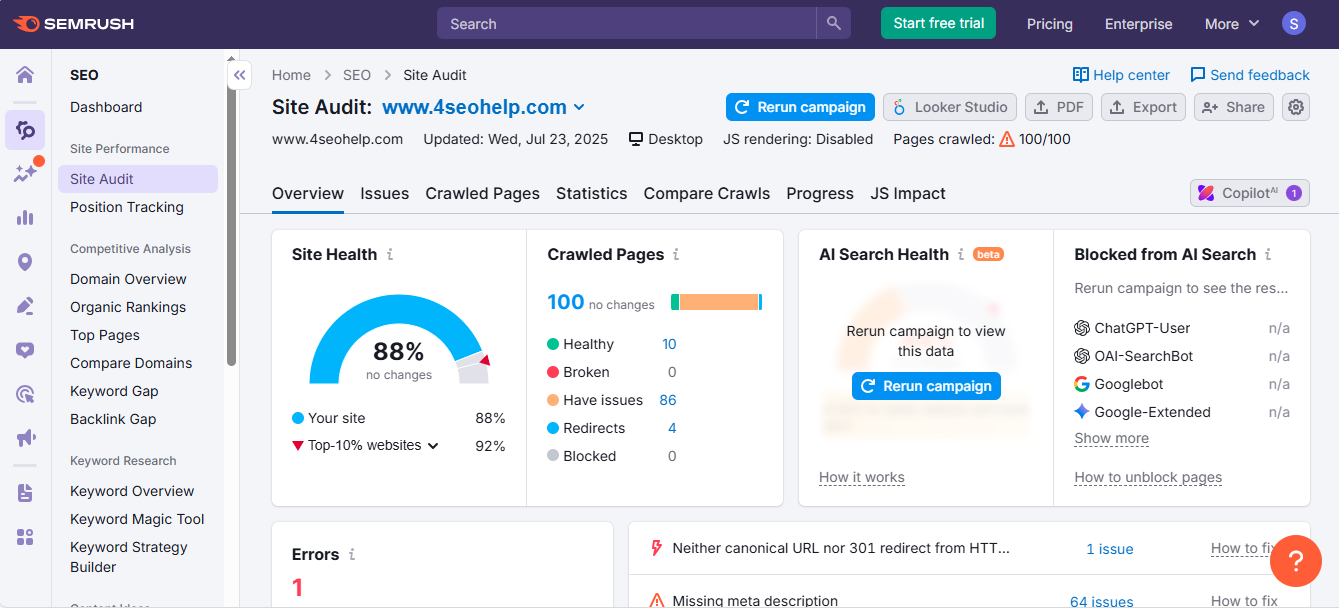
SEMrush is an all-in-one SEO tool for site audits, keyword research, and competitor analysis. It tracks rankings, identifies gaps, and provides detailed insights to improve search visibility.
Features:
- Audit website health
- Analyze competitors
- Research keywords
- Track backlinks
- Generate optimization recommendations
How We Use SEMrush?
We run site audits and competitor analysis daily. Position tracking helps monitor keyword rankings effectively.
- Price: $139–$499/mo
- Alternatives: Ahrefs, SE Ranking
12. Screaming Frog SEO Spider
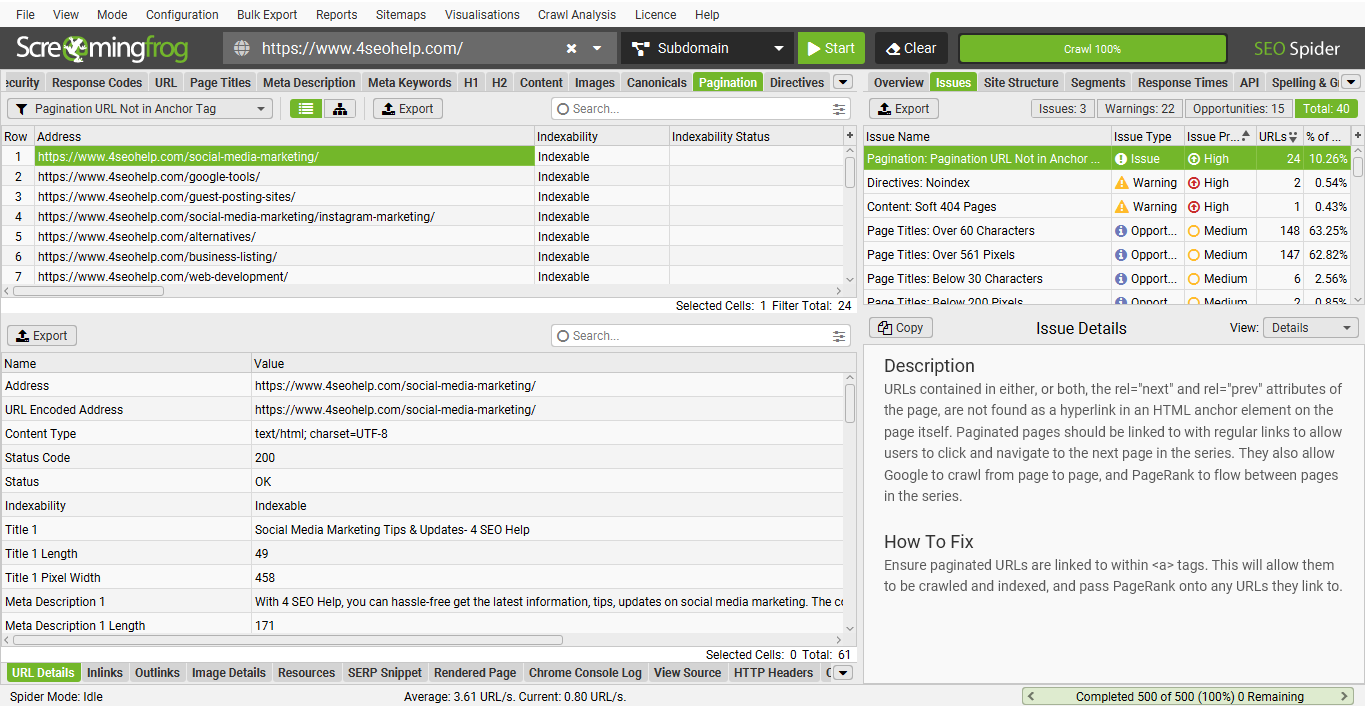
Screaming Frog crawls websites to detect SEO issues. It analyzes URLs, schema, internal links, and page speed. Bulk data export to Sheets or Excel enables in-depth analysis.
Features:
- Crawl entire websites
- Detect SEO issues
- Analyze internal links
- Export data for review
- Bulk schema analysis
How We Use Screaming Frog?
We perform technical audits and find internal linking opportunities. API integration improves content planning efficiency.
- Price: Free (500 URLs); Paid $259/year
- Alternatives: OnCrawl, Sitebulb
13. WriterZen
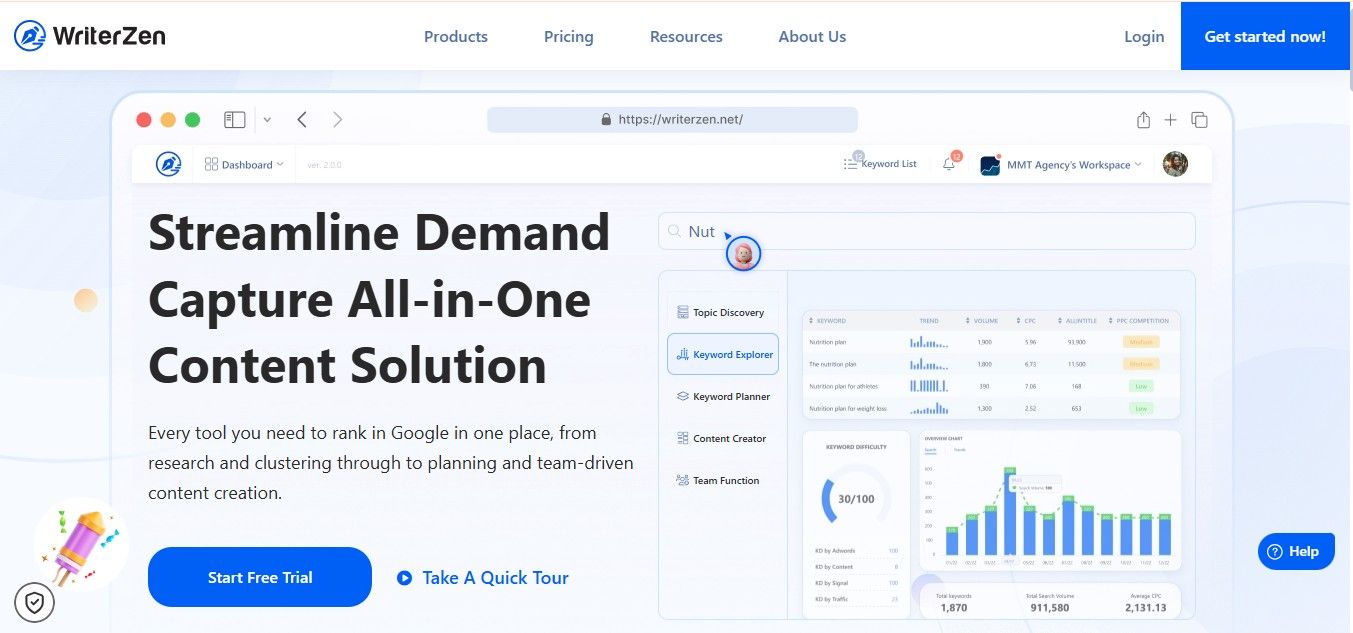
WriterZen simplifies content planning, keyword research, and topic discovery. Its Content Creator tool helps create briefs based on SERP analysis. Keyword clustering is accurate, reflecting Google rankings.
Features:
- Discover topics quickly
- Conduct keyword research
- Create content briefs
- Cluster keywords accurately
- Analyze SERP competition
How We Use WriterZen?
We generate content briefs and plan SEO content efficiently. SERP insights help optimize content strategy for better rankings.
- Price: $135–$405 lifetime
- Alternatives: Frase, ClearScope, SurferSEO
FAQS
What are SEO tools and why are they important?
SEO tools help monitor and improve website performance. They track keywords, traffic, page speed, backlinks, and overall, SEO health. Using these tools makes it easier to optimize websites, fix technical issues, and increase search engine rankings.
Are there free SEO tools available?
Yes, many free SEO tools exist. Examples include Google Search Console, PageSpeed Insights, and HubSpot Website Grader. Free tools are great for beginners because they provide actionable insights, learning resources, and basic website analysis.
What does HubSpot Website Grader do?
HubSpot Website Grader evaluates website speed, mobile friendliness, security, and user experience. It provides a simple report with suggestions to fix issues. Beginners can also use HubSpot Academy courses to learn SEO basics and improve websites over time.
How can PageSpeed Insights help my website?
PageSpeed Insights measures website speed and performance on mobile and desktop. Developers use its recommendations to reduce loading times, improve layout stability, and meet Google’s performance standards.
What is Google Search Console (GSC) used for?
GSC is a free tool from Google that tracks clicks, impressions, keyword performance, indexing status, and internal links. It helps SEO specialists monitor website health, identify errors, and ensure new content is indexed quickly.
How is Bing Webmaster Tools different from GSC?
Bing Webmaster Tools provides similar insights for Microsoft Bing search results. It tracks keywords, backlinks, SEO errors, and site performance. BWT also offers the IndexNow feature to help new content get indexed faster.
What are Google Trends and Glimpse?
Google Trends shows popular search topics and trends over time. Glimpse adds related searches and trending queries. Together, they help marketers identify emerging keywords, plan content strategies, and focus on topics that attract more traffic.
How do Schema markup and Schema Validator improve SEO?
Schema markup organizes website data so search engines display rich results like FAQs and carousels. Schema Validator checks if the markup is correct and helps monitor competitors. Proper schema improves visibility, click-through rates, and search result appearance.
Can AI tools like ChatGPT help with SEO?
Yes, ChatGPT can cluster keywords, generate content snippets, and suggest formulas for SEO analysis. While it doesn’t replace human strategy, it helps speed up tasks like content planning, keyword organization, and data analysis.
Why should I use multiple SEO tools together?
No single tool covers everything. Combining tools like SEMrush, Screaming Frog, WriterZen, and Google Search Console gives a complete view of website performance. It helps track technical issues, keywords, content strategy, and competitors for more accurate SEO decisions.